
Status: in development / beta
Your boring logs, your layout, on your own machine.
Augerline keeps your borehole data and prints the boring logs your clients and reviewers expect. Bring your existing projects, rebuild your log template once, and export open DIGGS and AGS4 files. It runs offline, and your data never leaves your computer.
Subscription or one-time licence. No cloud account required.
What it does
-
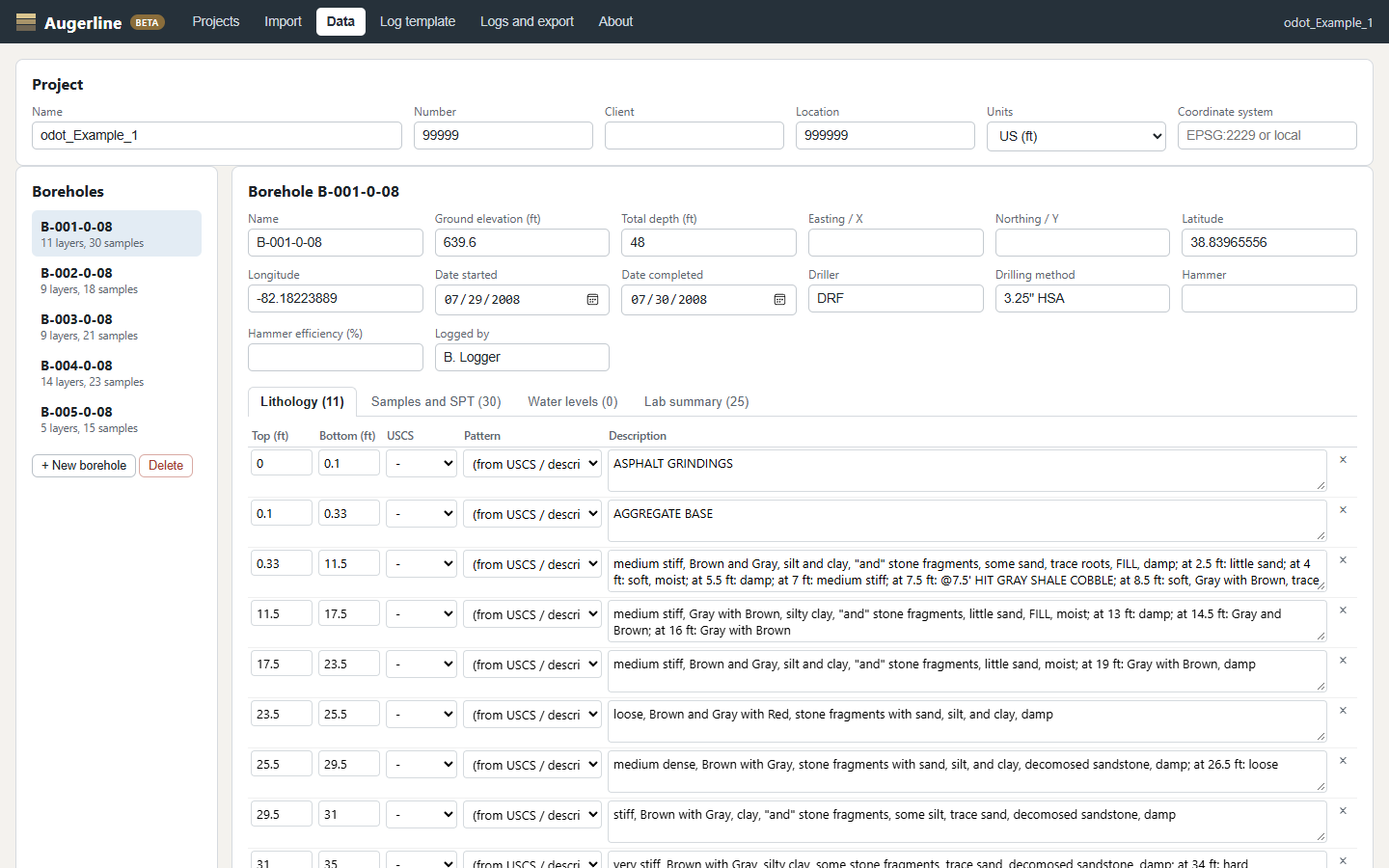
Bring your projects
Imports gINT project data (
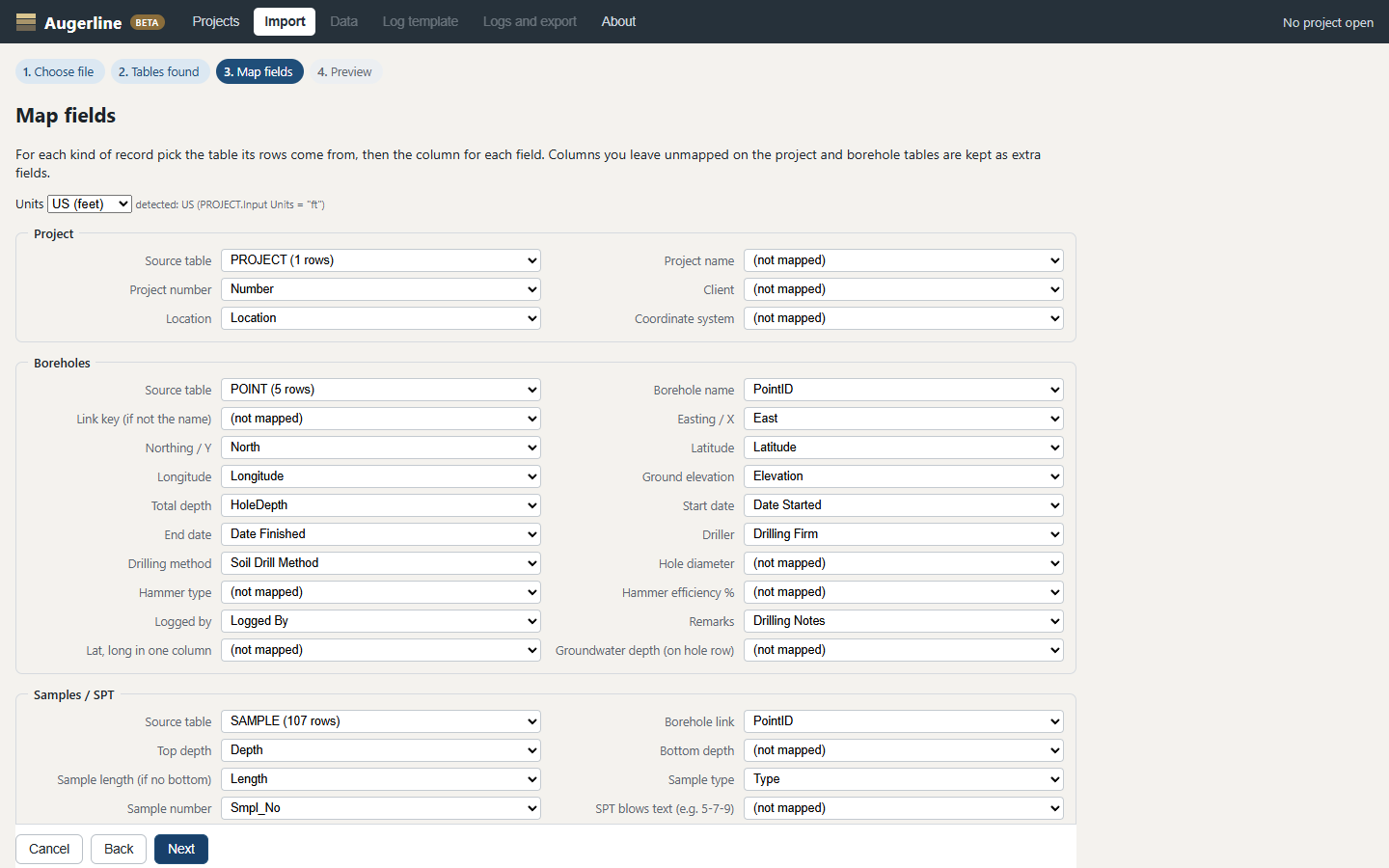
.gpjfiles) and CSV or Excel tables. A field-mapping screen lets you match your columns to boreholes, samples, SPT blows, water levels and descriptions, and saves the mapping for next time. -
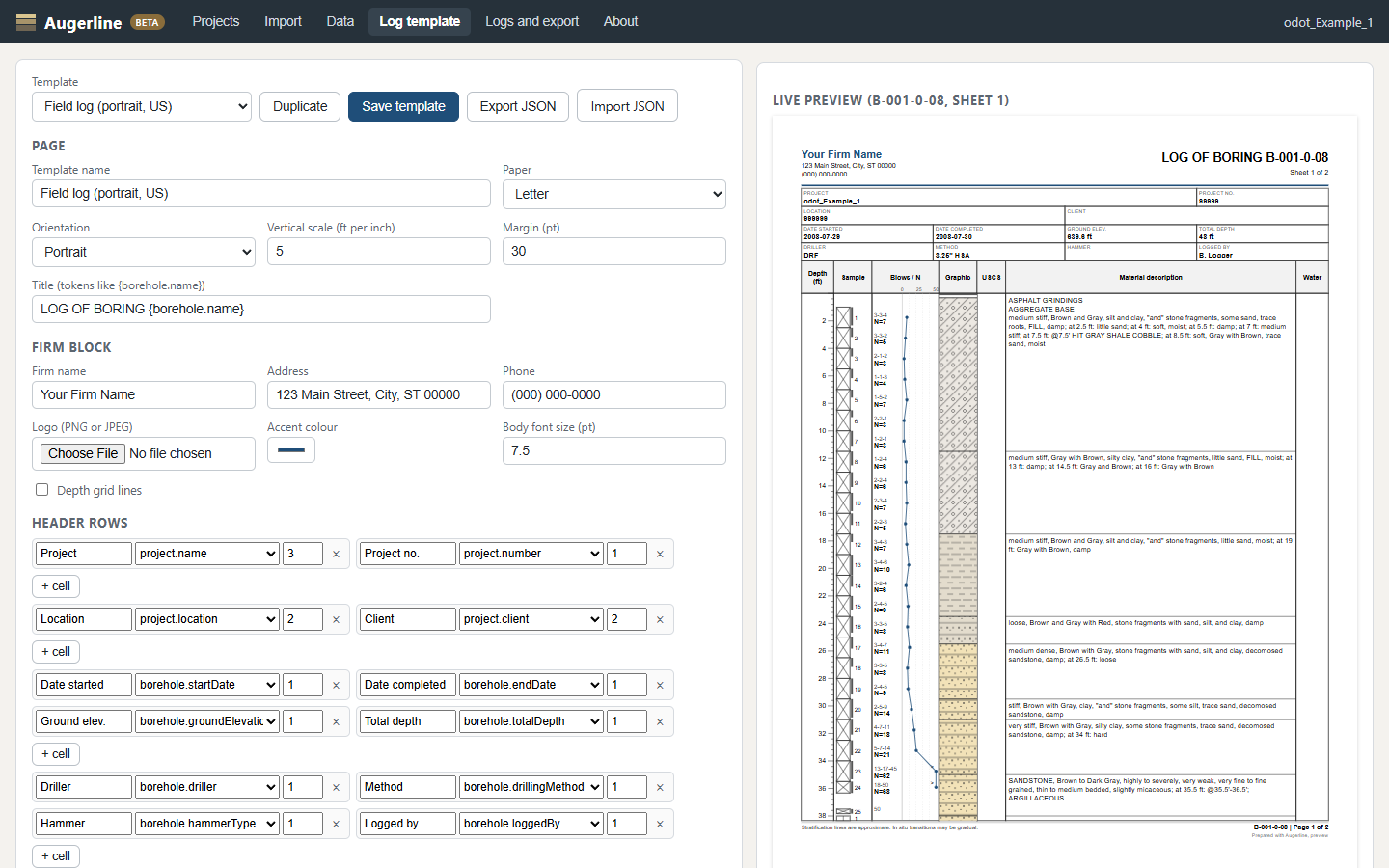
Design your log template
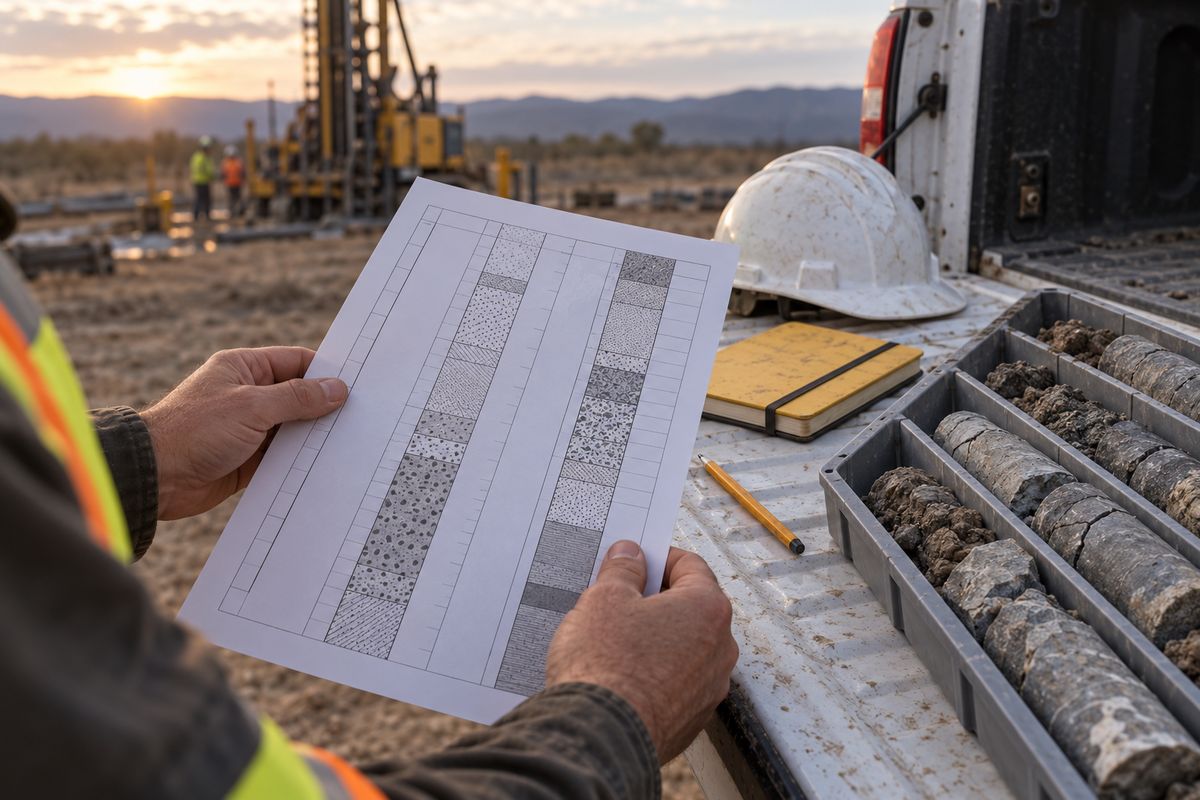
Lay out depth and elevation scales, graphic log, sample intervals, SPT N-values, recovery and RQD, descriptions and water levels. Add your header, footer and firm logo. Templates are plain files you can copy between projects and colleagues.
-
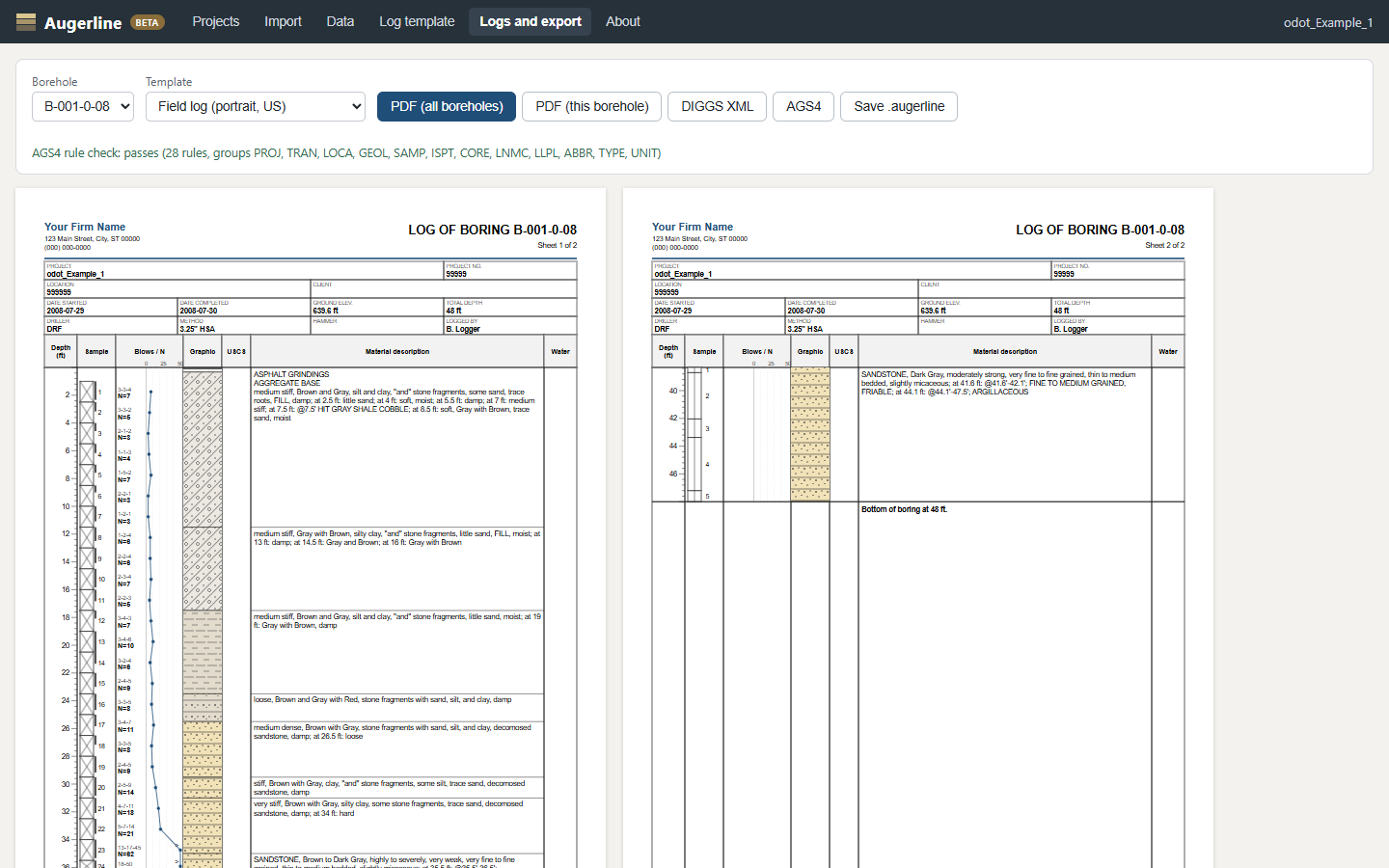
Print PDF logs
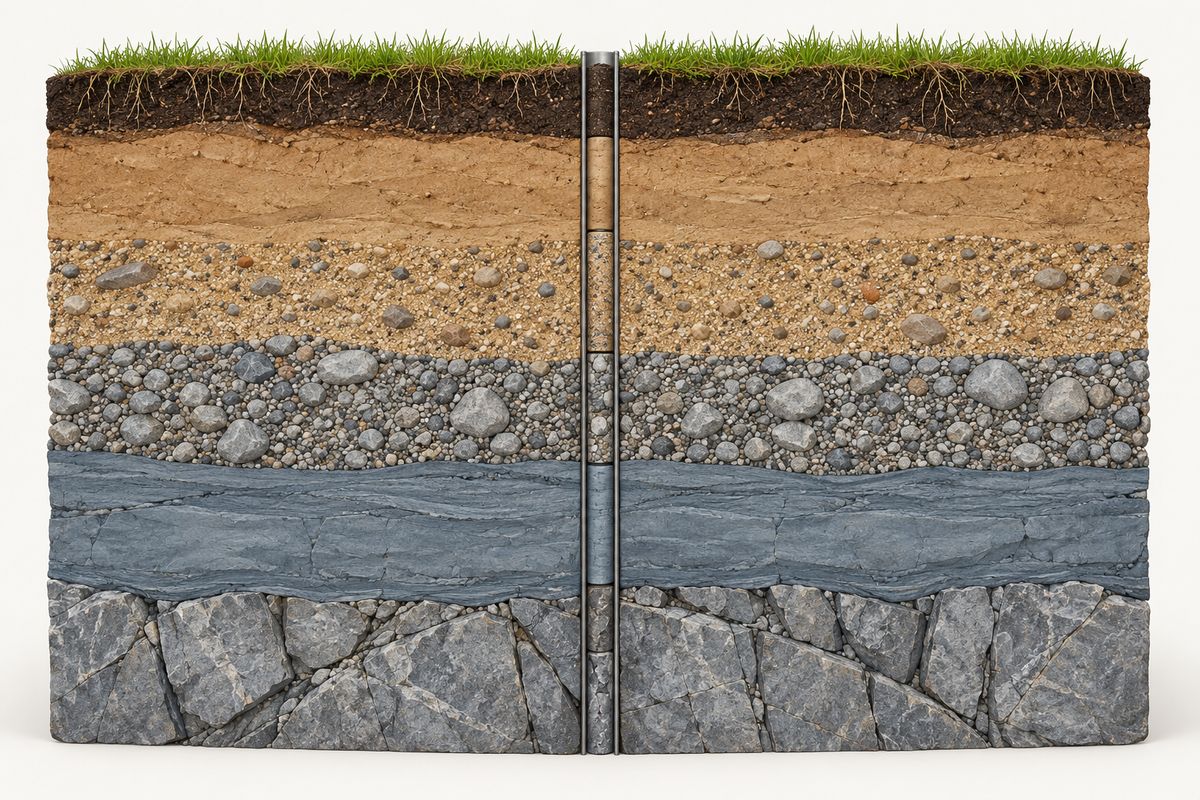
Multi-page vector PDFs at a consistent vertical scale. Lithology patterns are drawn from the public-domain USGS/FGDC geologic map symbol standard, with USCS soil symbols mapped to patterns. US and SI units.
-
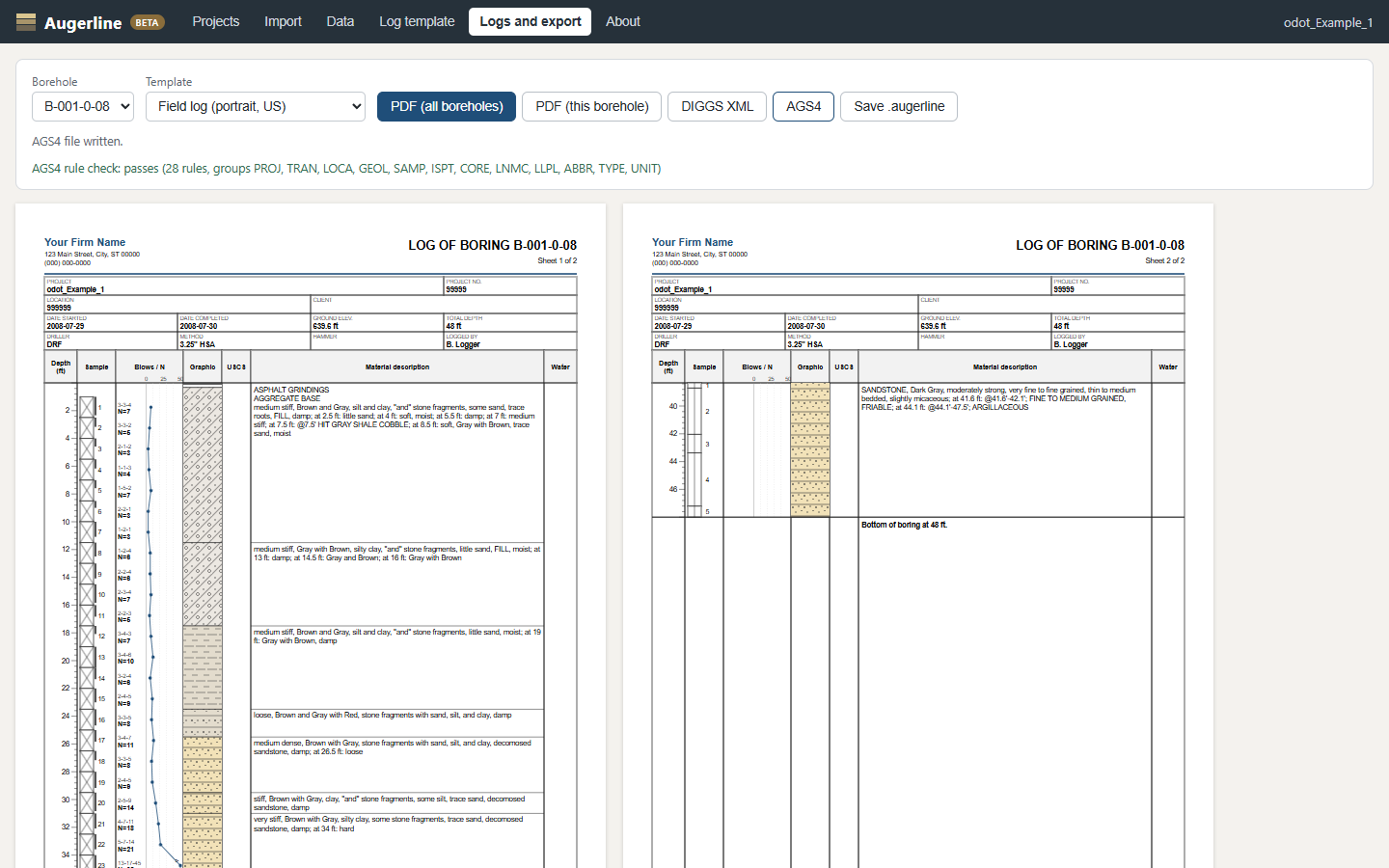
Export open formats
DIGGS XML, checked against the official schema, and AGS4, checked against rules from the published AGS4 specification. Your data stays portable.
-
Offline, and your data stays put
Augerline runs in your browser but has no server. Projects are stored on your computer and saved as files you control. Nothing is uploaded.
-
Buy it once if you prefer
Choose a yearly subscription or a one-time licence. The licence key is checked on your machine, with no phone-home.
Logs that look like yours
Firms are particular about their logs, and DOT and client formats are fixed. That is why the template designer is the centre of Augerline, not an afterthought.
During the beta, we rebuild a few firms' log layouts with them, side by side with their current printouts, until the output matches. If you have a template that must not change, we would like to see it.
Screenshots
Taken from the current beta build.
Your data stays on your machine
There is no Augerline server and no cloud account. Your projects live in your browser's local storage and in the files you save, on your own disk and in your own backups.
The only thing that ever reaches us is what you choose to send: a sign-up on this page, an email, or a sample project you share as a design partner.
Planned price
Not on sale yet. These are the prices we plan to launch with, and the sign-up form asks how they land.
Subscription
$1,200 per firm, per year
- Unlimited users in your firm
- All updates and email support
- Or $120 a month
One-time licence
$2,400 once, per firm
- Keep using your version for good
- 12 months of updates included
- Optional updates after that: $480 a year
Beta use is free. Design partners get a founding price on the first year.
Questions
Can it open our existing projects?
It imports gINT project data from .gpj files you own, and CSV or Excel tables. You map the fields once on a mapping screen. Log report layouts are not converted automatically; you rebuild them in the template designer, and during the beta we help design partners do that.
We have to follow a DOT or client log format. Will that work?
That is the main thing we are testing in the beta. The designer covers the usual columns, headers and footers. Send us the format you must match (see the sign-up form), and we will tell you plainly whether it can be reproduced.
Is my data uploaded anywhere?
No. The app has no server. Data is stored on your computer and saved as files you control. Sharing a sample project with us is optional and only happens if you send it.
Does it need an internet connection?
No, it works offline. The licence key is checked on your machine, with no phone-home.
Which patterns and symbols does it use?
Lithology patterns are drawn from the public-domain USGS/FGDC geologic map symbol standard, and USCS soil groups are mapped to patterns. You can change the mapping in your template.
What do DIGGS and AGS4 export give us?
Open, documented formats that clients, agencies and other software can read, so your data is never locked into one tool. DIGGS output is checked against the official schema. AGS4 output is checked against rules from the published specification.
Who is responsible for the logs?
Your firm and its licensed professionals, as now. Augerline is a tool for recording data and drawing logs; it does not make engineering judgements, and every log should be reviewed before it is issued.
When will it be ready?
It is in beta now with a small group of firms. There is no general release date yet. People on the list get updates and the first invitations.
Who is building it?
An independent developer.
Join the beta list
Two minutes. Tell us what you use now and what has to work on day one. We use your answers and email only to run the beta and send updates about Augerline. Unsubscribe any time.
Design partners who can share an anonymised project get early access and a founding price.
Thanks. We read every answer. If you ticked the design-partner box, we will email you within a week about sharing a sample project. Nothing is needed from you until then.
Privacy notice: https://augerline.com/legal/PRIVACY.html